
AI agents for business are software workers that take a task, use your existing tools to do the routine steps, and ask a person to approve anything important. They are not a replacement for your team and not a magic box. Think of them as junior assistants that never forget a follow-up.
This guide explains what AI agents are, where they help in a real business, how a team of agents works together, and how to start without a big project.
What are AI agents?
An AI agent is a program built around an AI model that can plan a few steps, use tools and finish a task. A tool can be your inbox, CRM, calendar, spreadsheet, accounting software or a document folder.
The difference from other software is easy to see in an example. A rule-based automation says: "when a form is submitted, copy it into the CRM". An agent can read the message, decide whether it is a sales lead or a support question, look up the customer, draft a reply and ask you to approve it.
| Item | Chatbot | Classic automation | AI agent |
|---|---|---|---|
| Handles | Questions in a chat | Fixed, predictable steps | Multi-step tasks with some judgement |
| Uses your tools | Rarely | Yes, with set rules | Yes, and chooses between them |
| Human approval | Not needed | Not needed | Built in for important steps |
Concrete use cases for AI agents in business
The best use cases are frequent, repetitive and easy for a person to check. Here are the ones we see most often:
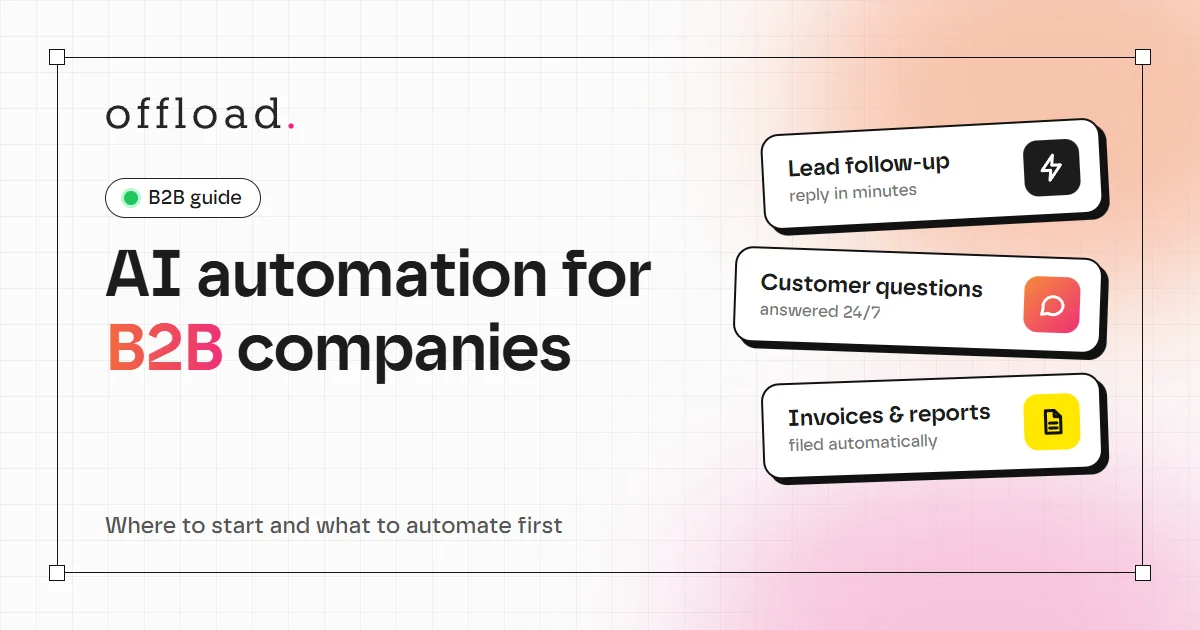
- Lead follow-up: the agent reads a new enquiry, enters it in the CRM, drafts a first reply and reminds you if nobody answers within a day.
- Customer questions: it answers common questions about prices, delivery or opening hours from your own documents, and passes unusual cases to a person with the context attached.
- Invoices and documents: it reads incoming invoices, extracts the key fields, checks them against an order and prepares the entry for your accountant.
- Reports: it pulls numbers from your tools every week and writes the summary that someone used to build by hand.
- Internal questions: it finds answers in contracts, price lists and old emails so colleagues stop asking each other.
How a team of AI agents works
One agent that does everything tends to become confusing and unreliable. A better pattern is a small team, where each agent has one job and clear limits:
- An intake agent reads new emails and forms and sorts them.
- A research agent looks up the customer, the order or the document.
- A drafting agent prepares the reply, quote or report.
- A reviewer step is you or a colleague, who approves what goes out.
Because each agent is small, it is easier to test, easier to fix and easier to switch off. This is the idea behind our AI agent teams service: separate agents for separate tasks, connected to the tools you already use, with a person approving the steps that matter.
A real example: the agent team behind this site
We use this pattern ourselves. The work on our own projects, including this website, is run by a small team of AI agents with one orchestrator in front. You give the orchestrator a request, and it splits the job and hands each part to the specialist that owns it:
- A coder writes and reviews code and runs the build.
- A designer takes care of layout, styling and accessibility.
- A writer drafts articles, posts and emails.
- A marketer handles SEO, keywords and campaign plans.
- A researcher compares options and gathers facts.
- A tester checks pages in a real browser and reports bugs.
- A project manager and a sales agent turn briefs into specs and keep customer follow-ups organised.
Independent steps run in parallel, and each agent only sees what its job needs. The important part is the approval rule: nothing is sent, published, pushed or deleted without a person saying yes. The agents prepare drafts and changes, and a human reviews them.
The same setup can be adapted to other businesses: an agency could have agents for briefs, reports and invoices, and a construction or real-estate office could have agents for enquiries, follow-ups and documents. The pieces are the same, only the tools and rules change.
How to start with AI agents
You do not need a large transformation project. A sensible path looks like this:
- Pick one process. Use the test above: frequent, measurable, low risk.
- Write down today's numbers. How long does it take, how many cases per week, how many errors?
- List your tools. Check whether they offer an API, a webhook or a built-in integration, because this often decides how quickly the project can move.
- Build in short cycles. See the agent working on real examples before it goes live.
- Measure and extend. Compare the numbers after launch. If they improve, add the next agent to the team.
For a single, well-defined process this often takes one to three weeks. If the numbers do not improve, adjust the agent or stop it.
Start with one agent
If you want to see which task in your business is the best place to start, book a free 15-minute call. You deal with one designer and one developer, not an account manager, and you get a fixed quote up front. Learn more about our AI agent teams, or get in touch to talk through your first process.