
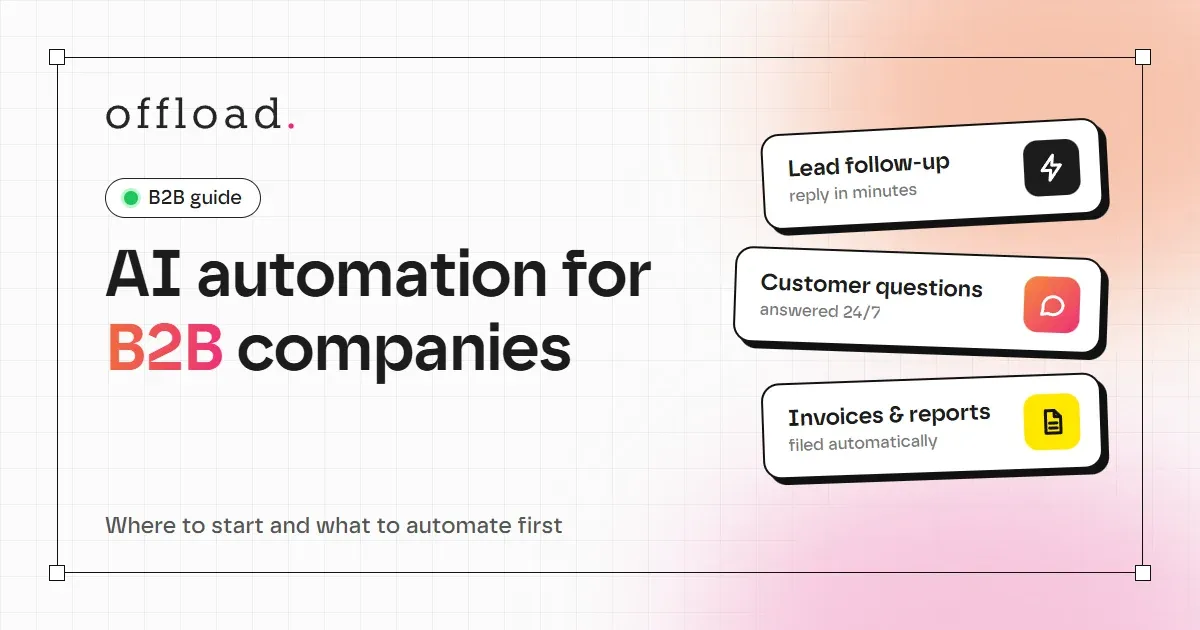
AI automation for B2B means letting software handle the repetitive steps in your sales, support and back-office work, with a person approving anything that matters. A B2B team usually does not need a new platform. It needs a few well-chosen workflows that read a lead, a request or a document, do the routine part, and pass the rest to the right person.
This guide explains where B2B teams lose time, how to pick the first process to automate, and what a realistic first project looks like.
Where B2B teams lose time
Most B2B companies do not have one big bottleneck. They have many small, repetitive tasks that add up:
- Lead handling: a new enquiry sits in an inbox for hours, gets copied by hand into a CRM, and is qualified by whoever has time.
- Customer questions: the same questions about pricing, delivery, documents or availability arrive every day.
- Documents: invoices, purchase orders and forms are read, typed into another system, and filed.
- Reporting: someone pulls numbers from three tools every Monday to build the same report.
- Internal search: people ask colleagues for information that already exists in a folder, a wiki or an old email.
Each task looks small. Together, they can take a large part of a week, and most of the delay is waiting, not working.
How to choose the first process
Do not start with the most impressive idea. Start with the process that is frequent, measurable and low-risk. Use these four questions:
| Question | Good sign for automation |
|---|---|
| How often does it happen? | Several times a day or week |
| How long does one case take? | At least 10 minutes of manual work |
| Is the input structured? | Forms, emails or documents with a predictable shape |
| What is the cost of a mistake? | Low, or easy for a person to check before it goes out |
A process that scores well on all four is a strong first candidate. For example, answering and logging inbound enquiries usually scores better than automating contract negotiation, which needs human judgement at every step.
A simple way to estimate the value
You can estimate the value of an automation before building it. Take the time a task takes per day, multiply by a realistic hourly cost, and then by the number of working days.
For example, imagine a team spends 3 hours a day copying enquiries into a CRM. At an illustrative loaded cost of €25 per hour, that is about €75 a day, or roughly €1,500 a month over 21 working days. If an automation handles most of those entries, and a person reviews the rest, the saving is real even if it is not 100 percent.
Also count the value that is harder to see: faster replies to leads, fewer lost enquiries and fewer errors from retyping data.
What a first project looks like
A first automation should be small enough to finish quickly and useful enough to prove itself. A typical sequence looks like this:
- Discovery call: a short conversation to understand the process, the tools you use and what slows you down.
- Written plan: the steps, the systems involved, the approval points and a fixed price.
- Build in short cycles: you see each step working on real examples before it goes live.
- Handover and support: simple documentation, and a period of support for changes.
For a single, well-defined process, this often takes 1 to 3 weeks. Once one workflow runs reliably, the next one is easier, because the connections and the rules are already in place.
Connect to the tools you already use
B2B automation rarely works in isolation. The value comes from connecting the steps: the form, the CRM, the email tool, the accounting software and the spreadsheet your team already relies on. Good automation respects the systems you have rather than forcing a migration.
Before starting, list the tools involved and check whether they offer an API, a webhook or a built-in integration. This single check often decides how quickly a project can move.
Frequently asked questions
Do we need a technical team to use AI automation?
No. You need someone who knows the process well and can approve results. The technical work is done by the people who build and maintain the workflow, and the output should be simple to use.
Is our customer data safe?
It depends on how the workflow is designed. Choose the AI model and hosting based on your privacy requirements, limit what data each step can see, and keep a log of what the system did. Discuss this before the build starts, not after.
What is the difference between automation and a chatbot?
A chatbot answers questions. Automation completes a process, such as logging a lead, sending a follow-up, or extracting data from an invoice. Many useful projects combine both, for example a website assistant that answers common questions and passes complex cases to your team.
How do we know it is working?
Set a baseline before you start: how long the task takes, how many cases you handle, and how many errors occur. Measure the same numbers after launch. If the numbers do not improve, adjust the workflow or stop it.
Start with one process
AI automation is most useful when it solves a specific problem for your business. If you want to see which process in your company is the best starting point, our AI workflow service includes a free 15-minute call and a fixed-price proposal. You can also read about our web development work if your automation needs to connect to a website.