
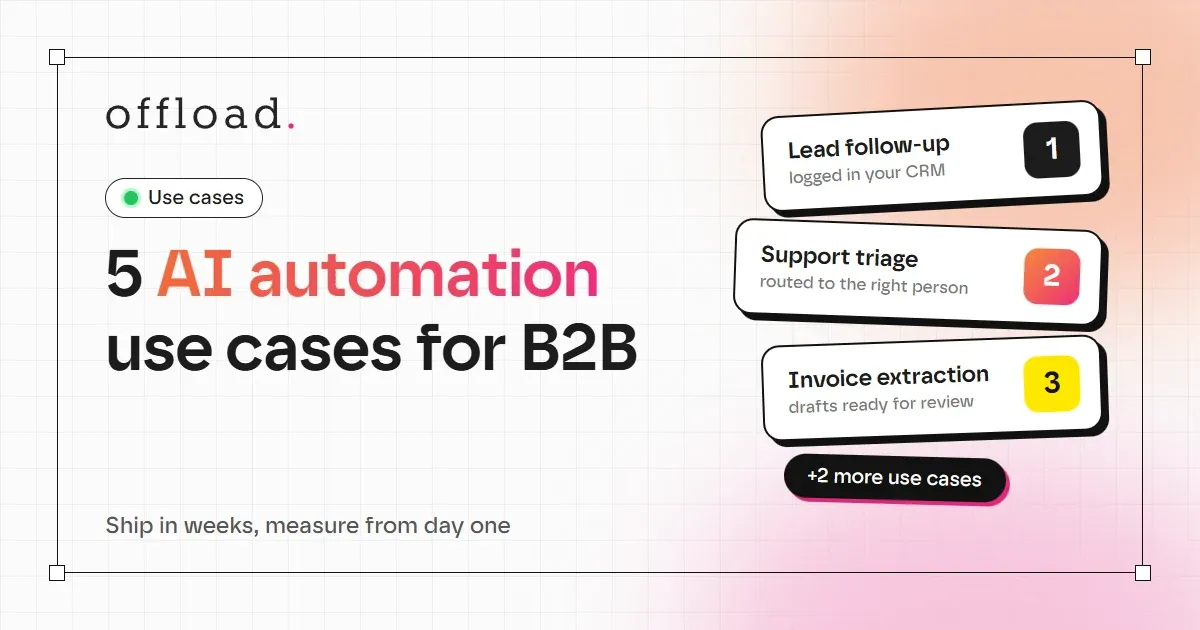
The most useful AI automations for B2B teams are narrow. They take one repeated task, handle the routine cases, and send the unusual ones to a person. Below are five use cases we see most often in small and mid-sized B2B companies, what each one does, and how to tell whether it is working.
Each use case can usually be built and tested within a few weeks, and each one can be measured with a number you already track or can start tracking today.
1. Lead follow-up and CRM entry
The problem: a new enquiry arrives by form, email or social message. It waits, gets copied by hand into the CRM, and the first reply goes out hours later.
What the automation does:
- Captures the enquiry from every source into one place.
- Sends an immediate, personalised acknowledgement.
- Creates the CRM record with the right fields filled in.
- Creates a follow-up task for the salesperson, with a suggested next step.
How to measure it: average time from enquiry to first reply, and the share of enquiries that get a reply within one hour.
2. Customer support triage
The problem: support messages arrive in one inbox. Staff read each one, decide who should answer, and answer the same questions again and again.
What the automation does:
- Classifies each message by topic and urgency.
- Answers common questions from your approved information, such as delivery times, documents or pricing ranges.
- Routes complex or sensitive cases to the right person, with a short summary so they do not need to read the whole thread.
How to measure it: first-response time, the share of questions answered without staff involvement, and how often a case is routed correctly.
3. Invoice and document extraction
The problem: invoices, delivery notes and forms arrive as PDFs or photos. Someone reads each one and types the amounts, dates and supplier details into the accounting or ERP system.
What the automation does:
- Reads the document and extracts the fields you define.
- Checks them against rules, for example a supplier that exists or a total that matches the line items.
- Puts the data into your system as a draft, and flags anything that looks wrong for review.
How to measure it: minutes per document before and after, and the error rate found during review. Keep the review step until the error rate is consistently low.
4. Sales and operations reporting
The problem: a weekly report takes an hour or more to build, because the numbers live in several tools and someone has to combine them by hand.
What the automation does:
- Pulls the agreed numbers from your CRM, accounting or spreadsheet on a schedule.
- Writes a short summary of what changed and what needs attention.
- Sends the report to the right people, in the format they already use.
How to measure it: hours spent per report, and whether the report is delivered on time without manual work.
5. Internal knowledge search
The problem: answers exist, but they are spread across shared folders, old emails and wiki pages. New staff ask the same colleagues the same questions.
What the automation does:
- Indexes the documents your team is allowed to see.
- Lets a person ask a question in plain language and get an answer with a link to the source.
- Shows only what that person has permission to access.
How to measure it: the number of internal questions sent to senior staff each week, and how long new hires take to answer routine questions on their own.
How to choose among them
Pick the use case with the best combination of frequency, measurable time and low risk. For most B2B teams, lead follow-up or invoice extraction is the fastest to prove value. Support triage often comes next, once the approved answers are in place.
Do not try to build all five at once. Each successful workflow makes the next one simpler, because the integrations, rules and review habits carry over.
What to avoid
- Automating a broken process. If the steps are unclear today, fix the process first. Automation makes a messy process faster, not better.
- Skipping the baseline. If you do not measure the starting point, you cannot prove the result.
- Removing every human check too early. Keep approval steps for money, contracts and customer-facing decisions until the error rate is clearly acceptable.
Frequently asked questions
Which use case should we start with?
Start with the one that happens most often and takes the most minutes per case. For many teams, that is lead follow-up or document entry.
How long does a use case take to build?
A focused, single-process workflow often takes 1 to 3 weeks, including testing with real examples. Larger workflows that connect many systems take longer, and the estimate depends on the number of integrations.
Do these need a new software platform?
Usually not. Most automations connect to the tools you already use. A platform change is only needed when the existing tools cannot support the process.
Find your first use case
If you are not sure which of these fits your business, our AI workflow service starts with a free 15-minute call to identify the process that will pay back fastest. Our web development team can also build the forms, dashboards and customer-facing pages that these workflows depend on.